

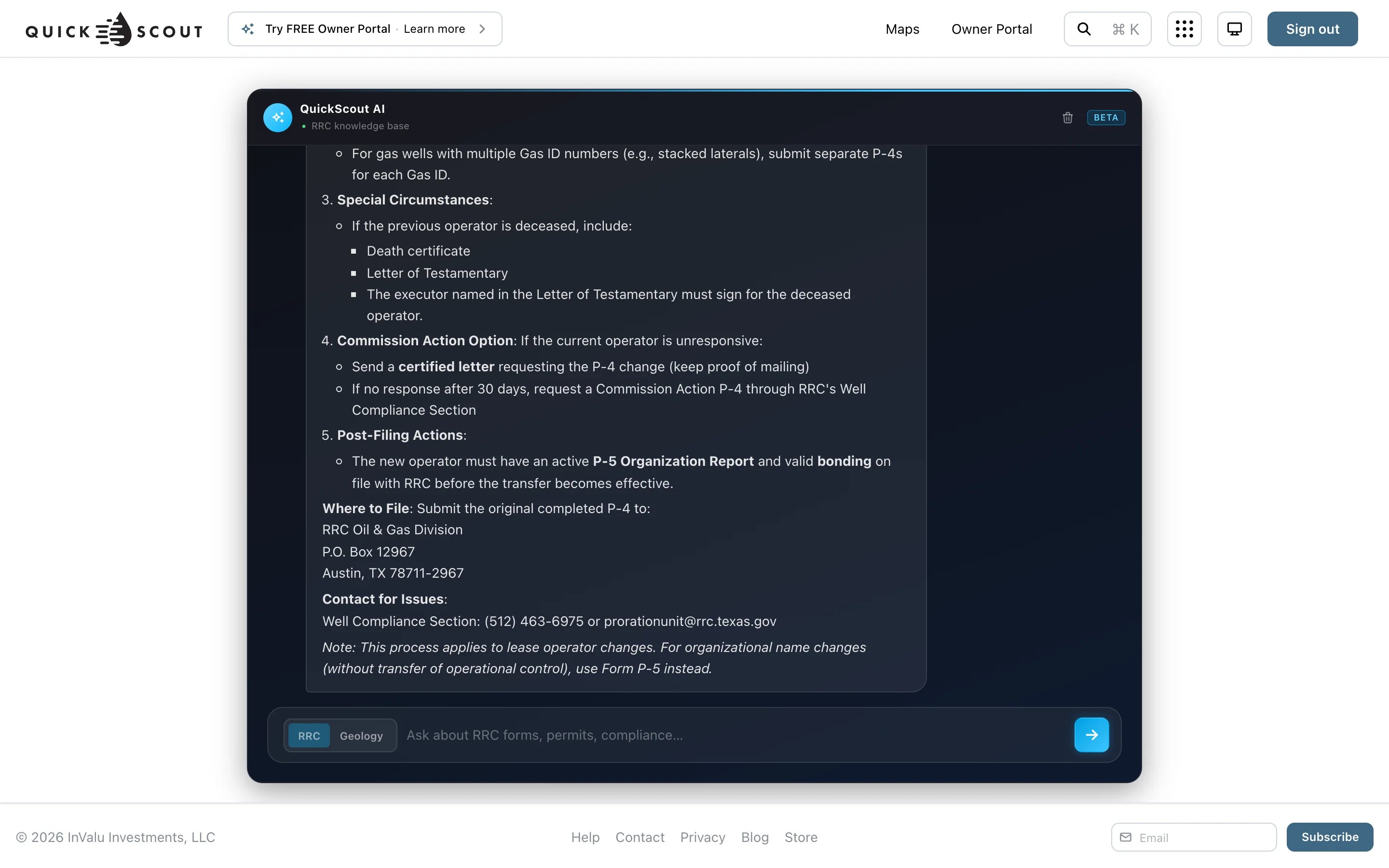
- RRC: forms, permits, compliance and regulations. “Which form do I file to transfer a lease?”
- Geology: formations, reservoirs and basins. “What’s the typical depth of the Wolfcamp A in Reeves County?”
Good to know
- Each question is answered on its own. It doesn’t remember earlier questions, so include the full context each time.
- The chat isn’t saved. The trash icon (Clear chat) at the top right starts over.
- You can ask up to 10 questions a minute in each mode.
- Until you ask something, the page plays a sample conversation. Your first question replaces it.
- You need to be signed in to ask.
To ask about what’s on the map right now, such as who is drilling in view, use Ask in Maps instead.