

Use the Owner Portal link in the site header. The Owner Portal button inside Maps is part of the paid Maps plans.
Find your properties
Properties are added from the Search tab, at the right of the tab row. Add a property and Add Properties take you there too.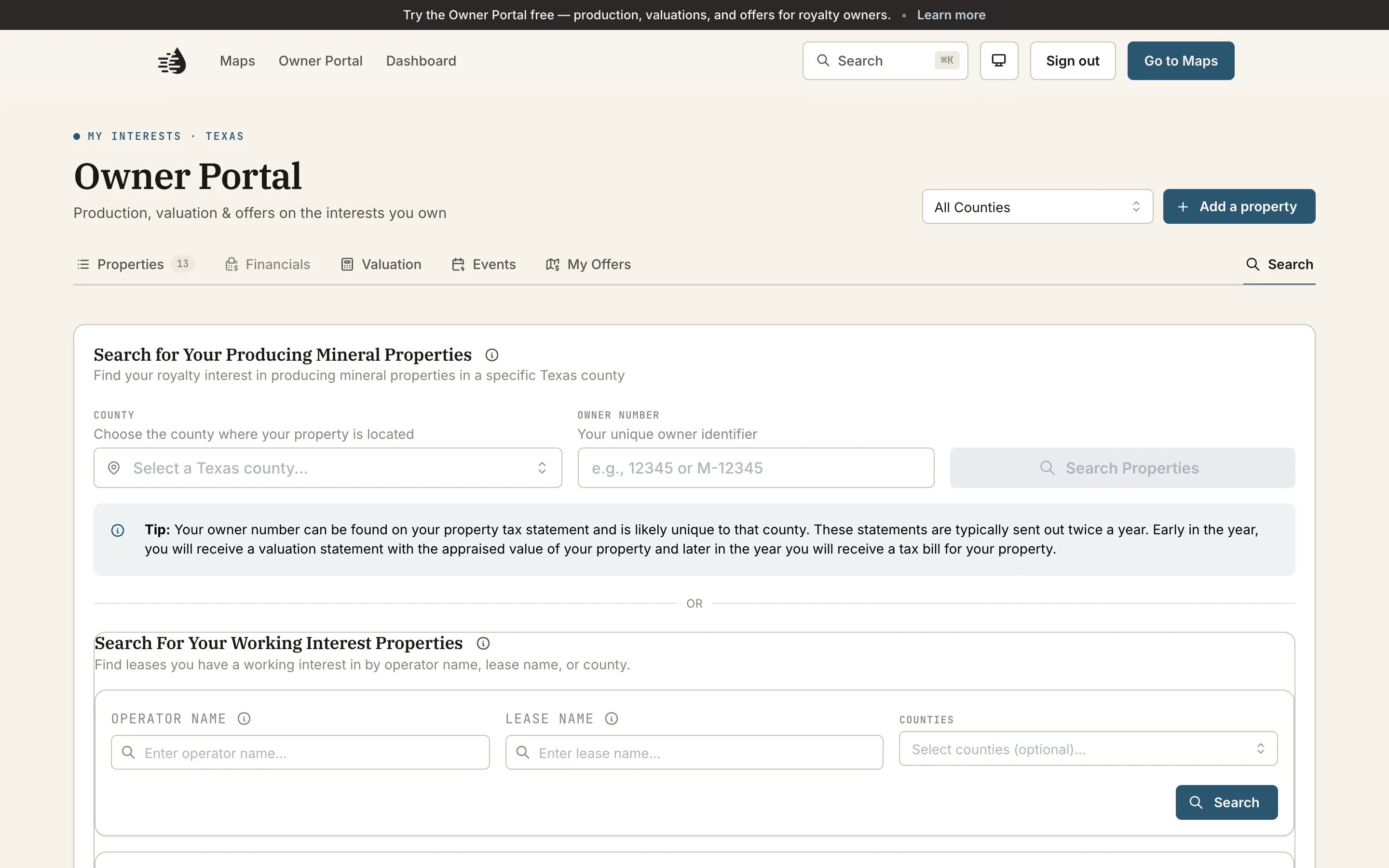
Mineral and royalty interests
1
Search by owner number
Under Search for Your Producing Mineral Properties, choose your County and enter your Owner Number, then click Search Properties.
2
Pick the ones that are yours
Tick your properties and click Add to My Properties.
3
Save them
On the Properties tab they’re listed under Pending Properties. Click Save All to My Account to keep them. Until you do, they aren’t saved.
Working interests
Under Search For Your Working Interest Properties:- Search by Operator Name, Lease Name or Counties, and click Search.
- Click Add Claim on your lease.
- Enter your Gross Decimal Interest. Leave Offer for Sale on if you’d like to receive offers. There’s no obligation to sell.
- Click Submit Claim.
What you’ll see
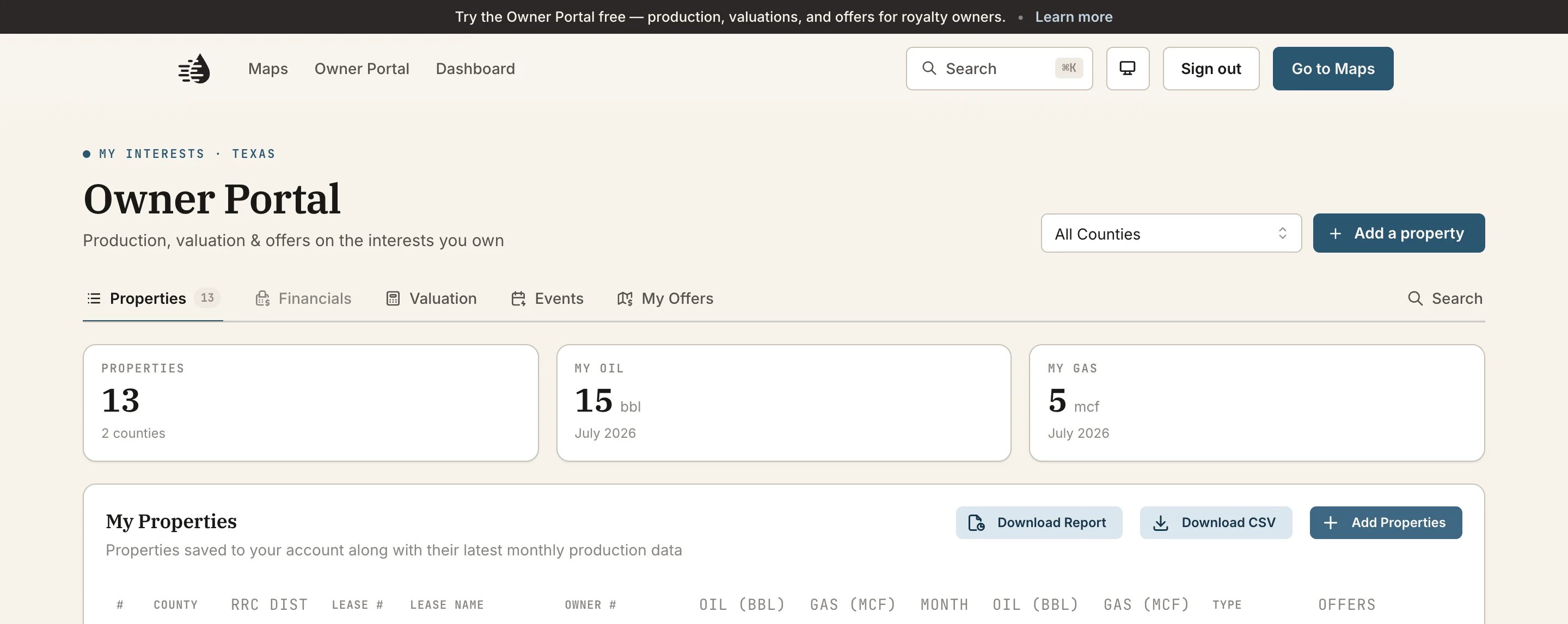
The county menu at the top starts on All Counties. Pick a county to narrow Properties, Valuation and Events, and your downloads, to just that county.
Public production data runs up to three months behind.
Download a copy
On Properties:- Download Report opens a preview. Click Download PDF to save it.
- Download CSV saves the table.